
Beauty Serum TikTok Hook
A premium skincare serum photo becomes a clean TikTok ad, slow product rotation, dewy bathroom scene, soft morning light, benefit text space.
Estimated cost for one product video ad
Choose a preset or write a short ad prompt.
Login to generate and view your high-quality AI videos.
Upload one existing product photo and turn it into a short video ad with camera motion, scene direction, and platform-ready formats.
Examples
Use these examples as starting points for product ads, Shopify pages, and social campaigns.
A premium skincare serum photo becomes a clean TikTok ad, slow product rotation, dewy bathroom scene, soft morning light, benefit text space.
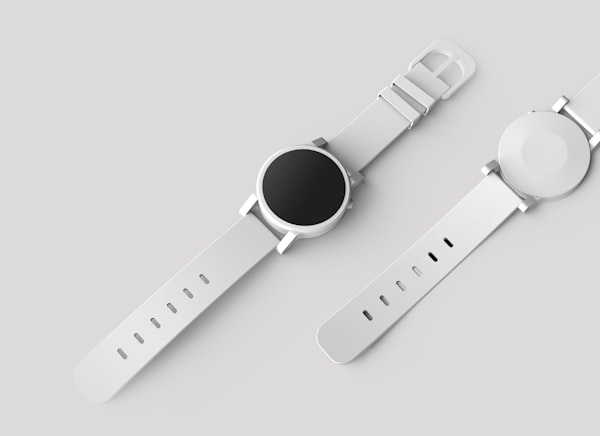
A watch product image becomes a luxury studio ad with macro camera moves, glossy reflections, dramatic lighting, and minimal CTA space.
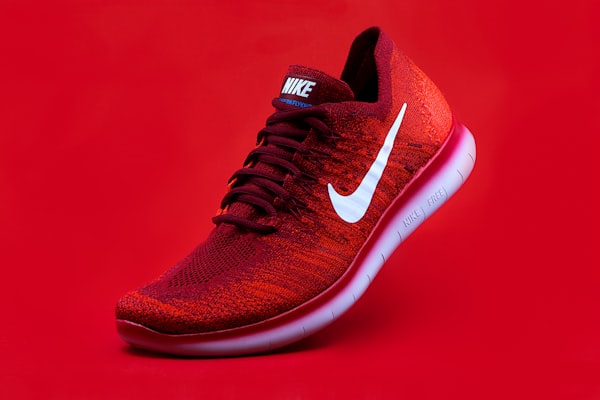
A sneaker product photo becomes an energetic sale promo with fast push-in motion, colorful background, discount badge area, and shop-now ending.
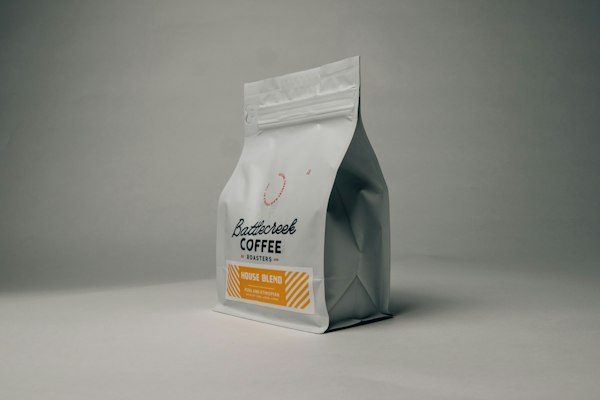
A coffee bag product photo becomes a warm Shopify hero video, slow cinematic push-in, beans and steam in the background, clean headline space.
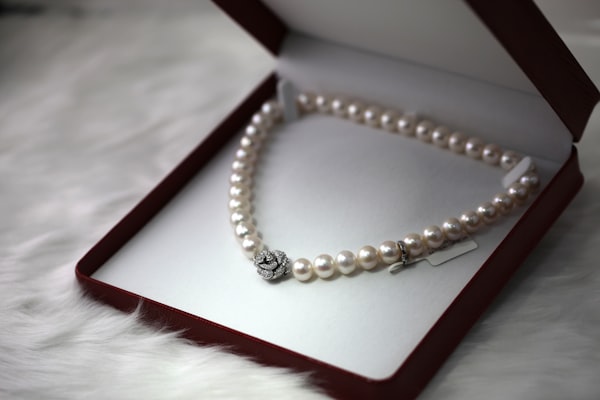
A jewelry product image becomes a premium studio ad, elegant rotation, soft reflections, black marble surface, refined brand campaign mood.
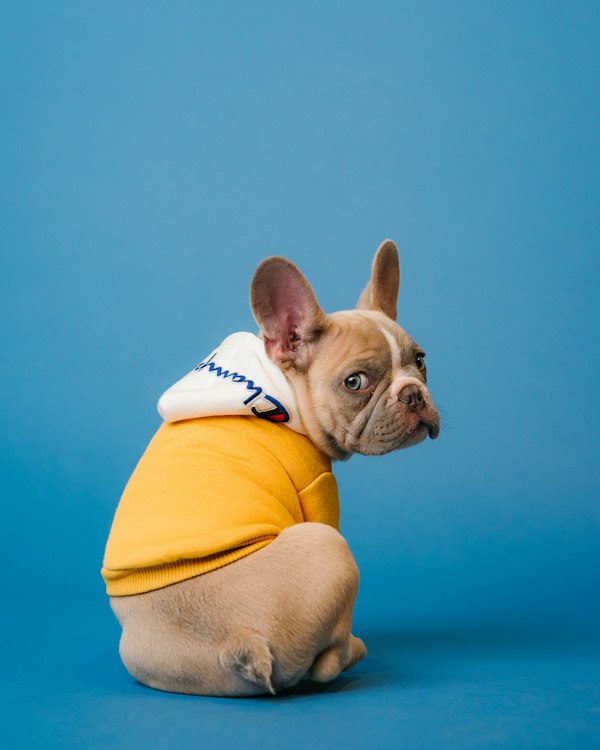
A pet product photo becomes a friendly UGC-style ad, natural home scene, quick before-and-after moment, playful motion, simple recommendation CTA.
Capabilities
Keep the workflow focused on product images, ad angles, and channel-ready outputs.
Generate short product videos from a single ecommerce image
Create vertical, square, and widescreen creatives for each channel
Use ad-ready prompts for hooks, sales, lifestyle scenes, and premium showcases
Produce multiple creative directions before commissioning a studio shoot
Save generated clips in My Creations for comparison and reuse
Workflow
Turn static product assets into ad-ready clips without a separate shoot or editing workflow.
Use a marketplace image, product page photo, packaging shot, or clean studio image.
Describe the scene, buyer benefit, offer, camera movement, and target platform.
Generate short videos for product pages, social feeds, and paid ad tests.
Channels
Create variants that match how each channel is scanned, watched, and tested.
Generate vertical product videos with fast hooks, motion, offer space, and mobile-first pacing.
Turn static product photos into lightweight product showcase videos for landing pages and PDPs.
Create clear product demonstrations and premium showcases from listing images without a new shoot.
Produce multiple ad concepts from the same product image to test hooks, offers, and visual angles.
Prompts
Start from a clear ad angle, then swap in your product, audience, offer, and platform.
Turn this product photo into a vertical TikTok ad. Open with a fast visual hook, show the main buyer benefit, add energetic camera motion, and leave space for a short headline and shop-now CTA.
Create a clean Shopify product page hero video from this image. Use slow premium camera movement, soft studio lighting, clear product focus, and empty space for headline text.
Create a short sale promo video. Use bright motion, a quick product reveal, discount badge space, urgency-driven pacing, and a clear final CTA for a limited-time offer.
Create an elegant luxury product showcase. Use slow rotation, macro detail shots, refined reflections, minimal background, and a polished high-end campaign mood.
Positioning
Stay close to the product-photo-to-video use case instead of broad social content planning.
Use VideoFly when you already have strong product photos and want fast image-to-video ad variants without building a full avatar ad workflow.
Use VideoFly for focused product motion creatives instead of broader social post planning and content calendars.
Use VideoFly for product-first ecommerce video ads when you do not need UGC avatar actors for every campaign.
Use VideoFly when you want AI-generated product motion from an image rather than editing static templates manually.
More tools
Move between focused ecommerce workflows without leaving the product-video path.
Convert one product image into video ad variants for product pages and social campaigns.
Make vertical product videos with hooks, motion, and mobile-first ad pacing.
Create product page videos and hero clips from existing ecommerce photography.
Pricing
Use free credits to validate one product angle, then buy credits or subscribe when you need weekly creative testing.
Best for testing a few product video directions before committing to a campaign.
Best for stores that need fresh creative variants for new products, offers, and audience tests.
If a generation fails before completion, credits are released back according to the generation status.
Models
Model availability can change as providers improve quality, speed, and cost.
FAQ
Practical answers for ecommerce teams testing product video creatives.
Yes. This page is optimized for single-image product video generation. Upload one product photo, add the ad direction, and generate a short video creative.
Clear product images with good lighting, visible edges, and minimal background clutter usually produce the most controlled videos.
Yes. Use 16:9 for landing page hero sections, 1:1 for feed placements, and 9:16 for vertical social ads.
For ecommerce ads, product-photo-to-video is usually more controlled because the product image anchors the output. Text-to-video is still useful for drafting ad scripts or concepts before final creative generation.
No. A studio shoot can still be useful for hero campaigns, but AI product video generation helps create more testing variants from existing product photography.
Yes, VideoFly is designed for ecommerce creative testing. Always review each output for brand accuracy, product claims, and ad platform policy before publishing.
Each generation estimates the required credits before you submit. Credits are frozen while the task runs, settled on success, and released if the generation fails before completion.
VideoFly is an independent AI video tool and is not affiliated with OpenAI, Google, ByteDance, Alibaba, or any model provider mentioned on this page. Model names are used descriptively to explain available generation options.
Ready to create your first product video ad?
Get Started Free